
Welcome to
Christ Church
Services: Sundays at 10:00am
What to expect when visiting Christ Church:
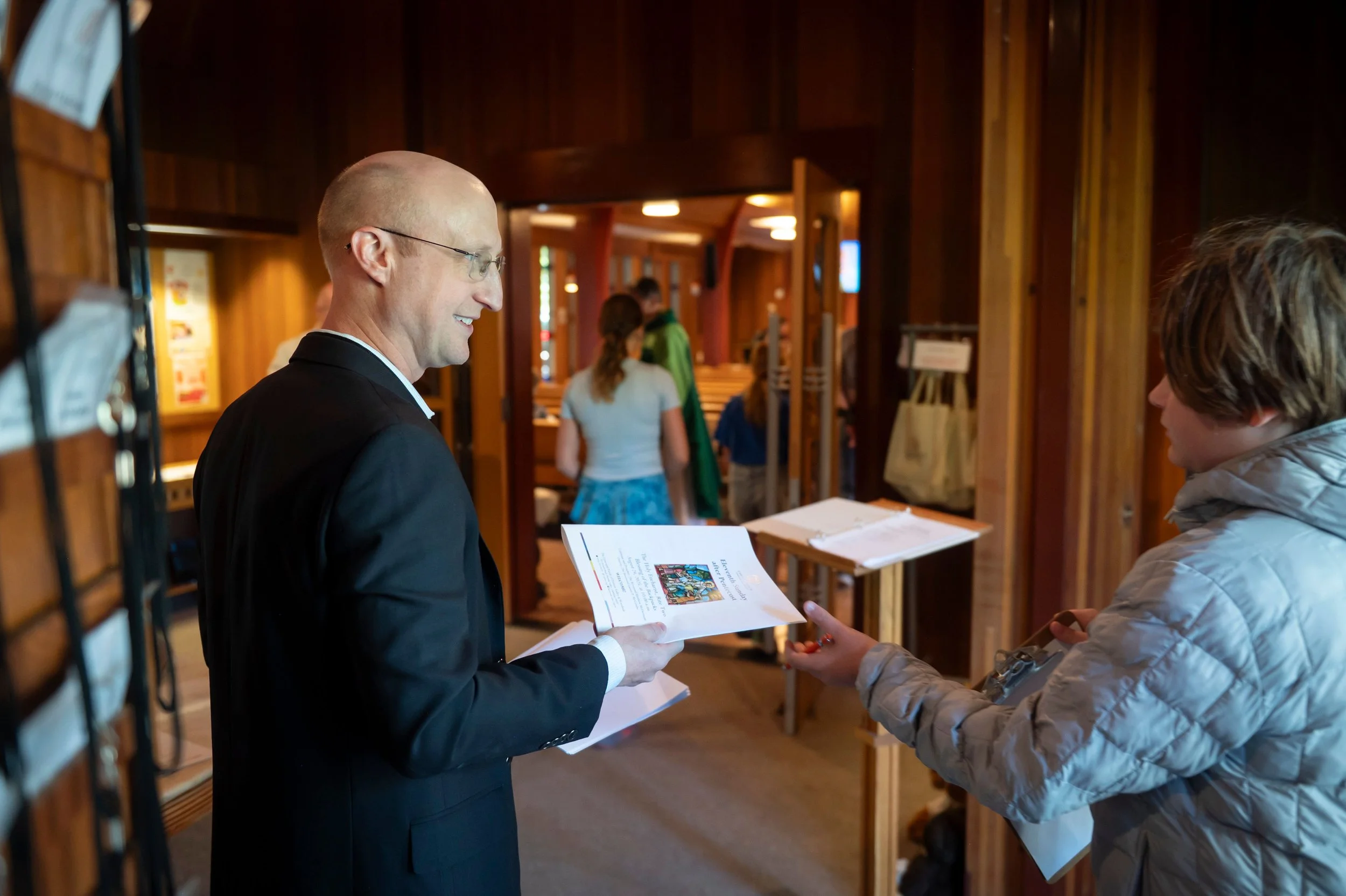
A warm welcome from our friendly greeters.
A printed worship bulletin so you always know what to expect.
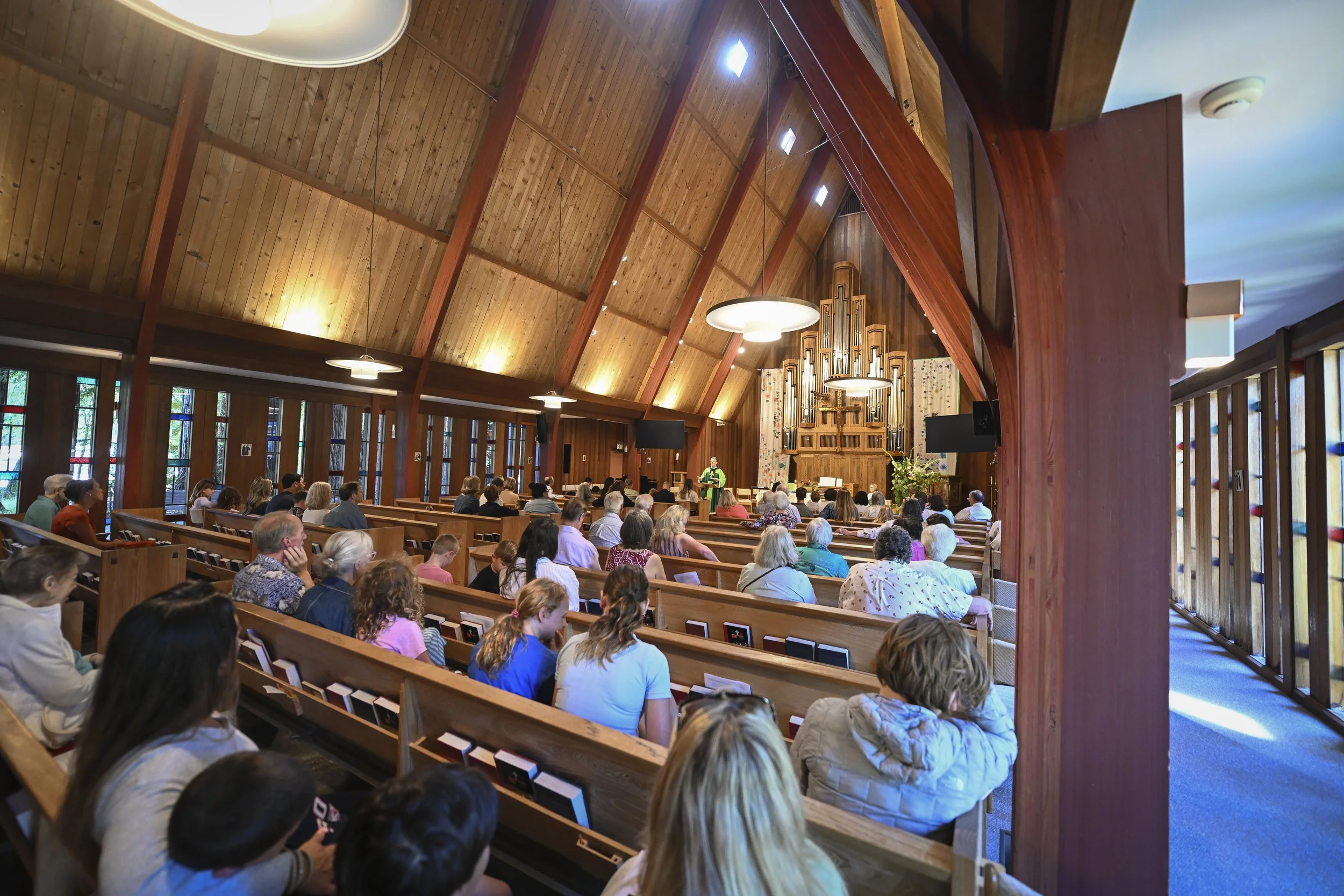
Beautiful music, including beloved hymns and new favorites, congregational singing and organ. Our Adult Choir sings every week throughout the program year, and our Children’s Choir sings once a month.
An inspiring and empowering sermon.
Communion offered to all who wish to participate, or a blessing for those who prefer it.
Weekly coffee hour after the service with coffee, snacks and fellowship adjacent to our beautiful gardens.
Practical logistics:
The service typically runs 65 minutes in length.
We have plentiful parking both in front of and behind the church, as well as a convenient bike station if you choose to bike to church.
There are no steps throughout the campus; everything is wheelchair accessible.
Bathrooms are located in the breezeway to your right as you walk toward the church.