

Contact Us
815 Portola Road
Portola Valley, CA 94028
(650) 851-0224
How To Update Your Directory Entry
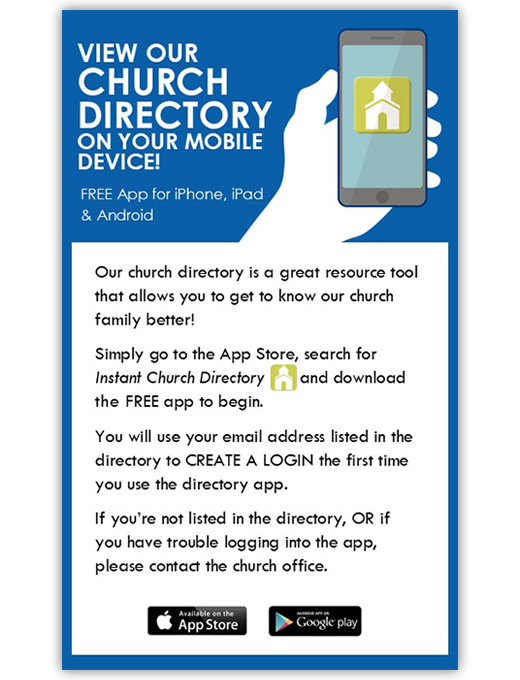
First time signing into the Online Directory or Mobile App?
Click on the Create Login button under: First time signing in?
Enter the email address as it is listed in the family portion of the directory.
Create a password. The password must be 8 characters long and contain at least two of the following special characters: capital letters, numbers or symbols.
Retype the password to confirm it and click Request Login.
Check your inbox for an email from service@instantchurchdirectory.com.
To complete the sign-up process, you will need to verify your email address by clicking on the link sent to you in that email.
Once you confirm your email, you may sign at members.InstantChurchDirectory.com. Your email with the password you created will work on all the Instant Church Directory apps on any device.
Already logged into the Mobile App?
Go to members.InstantChurchDirectory.com
Enter your email address listed in the directory and your unique member password.
Click Sign In.